

This article contains affiliate links. If you buy through them, MyrinNew.com may earn a commission at no extra cost to you.
🕒 4 min read
A comment says a retry must wait 30 seconds, but it gives no reason. You are reviewing a change that would cut the wait to five seconds. The tests pass, and the current code seems straightforward. Before approving, it helps to know whether the old number came from an external constraint, a one-off incident, or a guess. Git can help you locate the earlier decision. The useful part is knowing which question to ask it first.
Find the commit that touched the line
Start with the smallest section that contains the behavior. In this illustrative example, git blame -L 42,48 -- src/retry.ts attributes lines 42 through 48 to commits. That gives you a short list of changes to open. The Git blame manual explains what this command attributes and how it treats moved or copied lines. Consider -w if a whitespace-only change is obscuring the earlier history. If several lines have different commits, look at the line that encodes the policy and the lines that name it, rather than assuming the entire block arrived together.
Remember what the output can tell you. It points to the revision that last changed a line according to that invocation. A formatting pass or a refactor can make that revision later than the decision you care about. It also gives you an author, not evidence that the author made the decision alone. Treat the result as a useful starting address for the search.
Affiliate pick: tech accessories
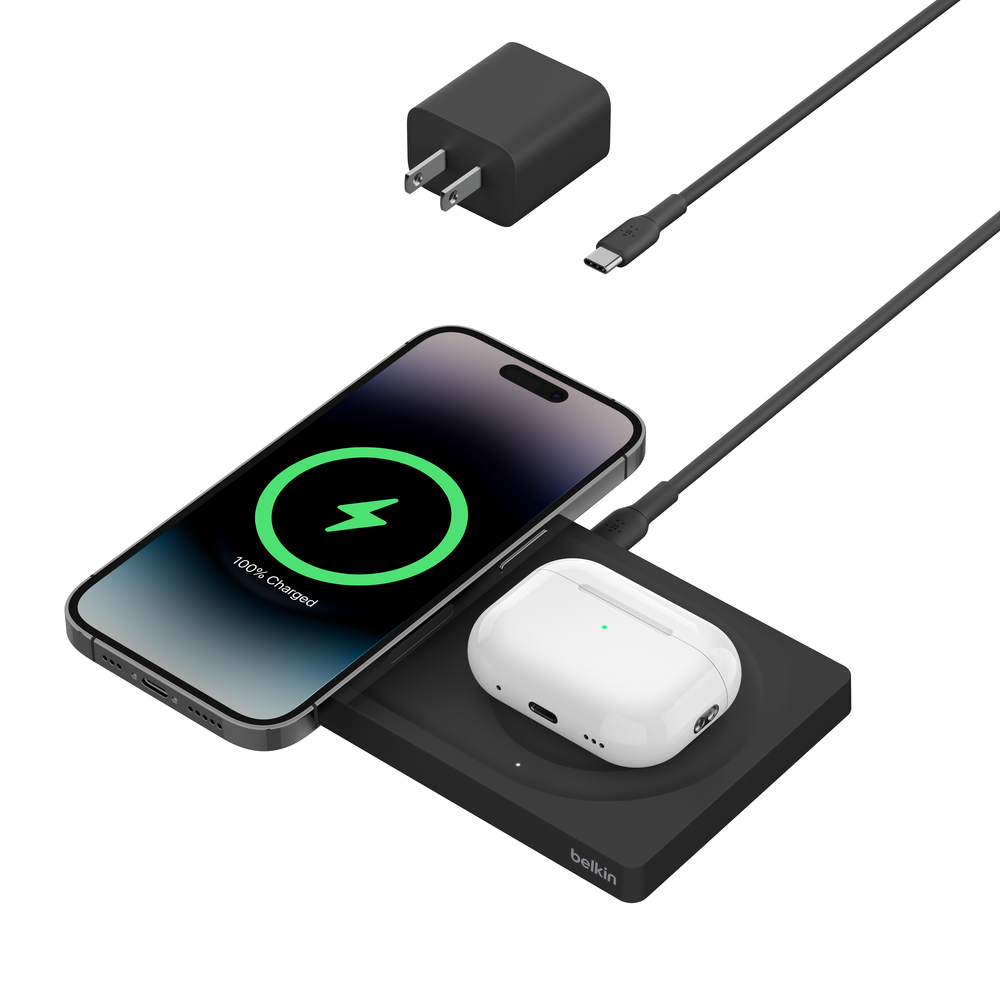
Belkin US
Belkin BoostCharge Pro 2-in-1 Wireless Charging Pad with Official MagSafe Charging 15W, Black
"BOOSTCHARGE PRO 2-IN-1 PAD WITH MAGSAFE BLACK"," | Belkin BoostCharge Pro 2-in-1 Wireless Charging Pad with Official MagSafe Charging 15W, Black
$44.99
$79.99
Price as of November 23, 2026
Read the change in context
Use git show <commit> to read the commit message and patch together. Look at the nearby test changes and any documentation added or removed in the same commit. The Git show manual describes how the command presents commit data and diffs. If the patch is large, narrow it to the original file after checking the list of files changed. For a merge, the default display may not answer your question; examine the difference against the relevant parent or open the merged work separately.
A useful clue often lives outside the line you started with. An integration test might mention a rate limit. A changelog could say the wait was made longer while an external team fixed a problem. If the commit links to an issue or review you can access, read the relevant decision and check whether it was provisional. Do not turn an old issue title into today’s requirement without verifying that the dependency or failure mode still exists.
Search for a decision that moved or disappeared
If the file moved, git log --follow -- src/retry.ts can continue history beyond renames for a single path. If the retry rule was renamed or split across files, search for a distinctive string with git log -p -S 'RETRY_DELAY_SECONDS'. The Git log manual explains the difference between -S, which looks for changes in a string’s occurrence count, and -G, which matches added or removed patch lines with a regular expression. A name that stays present the same number of times while its assigned value changes can make -S miss the edit. Reading the patch will tell you what actually changed.
Be ready to widen a search that finds nothing. Drop the path restriction if an identifier may have been introduced in another file. Inspect the current branch and its relation to the release branch. A shallow clone can be missing older commits, and squashed history can leave a release-sized commit with little explanation. If the trail ends, say where it ends and look for current evidence in tests, dependency documentation, and the people who operate the service.
Write down what the next reviewer needs
For the retry example, the outcome might be a sentence in the review: the old number was added when a provider requested less frequent polling; the current contract still allows only the slower cadence. Or the trail might show a temporary assumption that has since expired. Either way, capture the supporting source and add a test or comment only if it helps future readers find the actual constraint.
Affiliate pick: workspace accessories
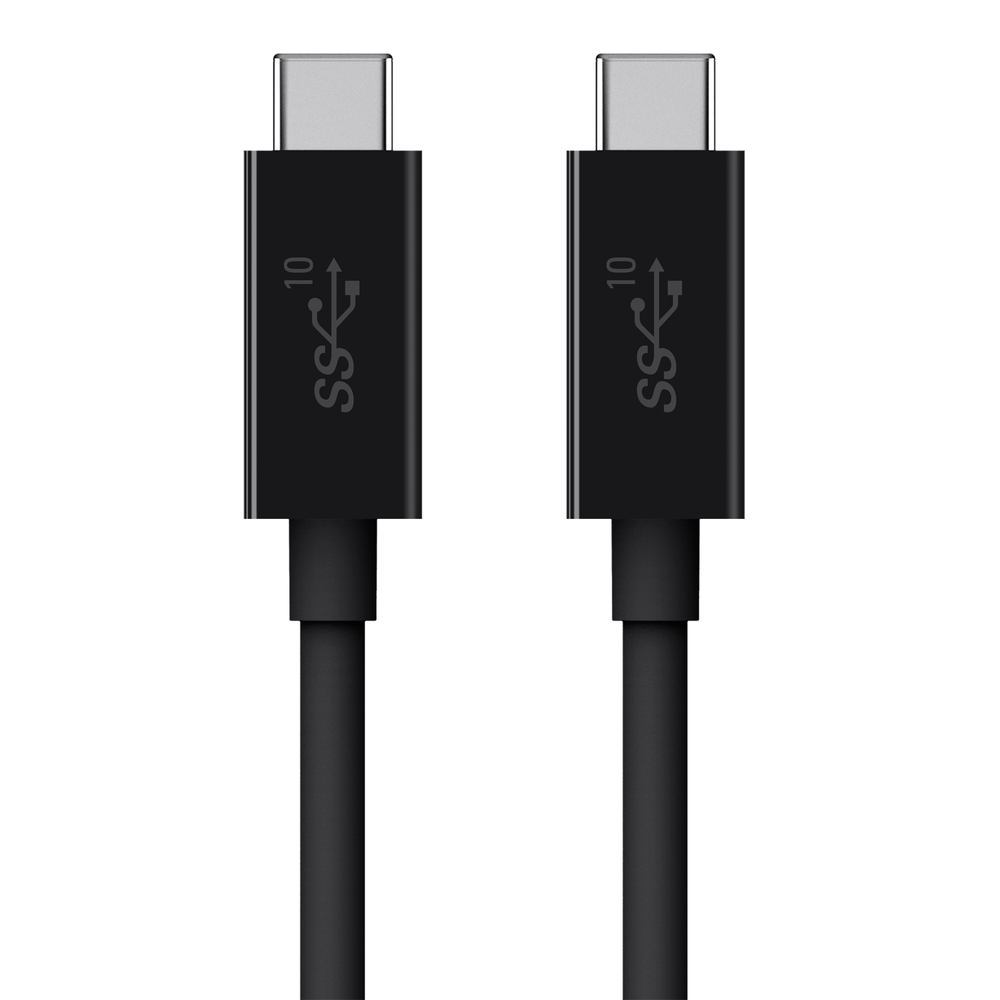
Belkin US
3.1 USB-C to USB-C Data Transfer Charging Cable | Belkin, Black
$(document).ready(function(){ $(\"#usb_c_pencil-banr\").load(\"/resources/static-pages/belkin-usb-c.html #us\");$(\"#usb_c_cable_finder\").load(\"/resources/static-pages/belkin-usb-c_cable_finder.html #us\"); }); THE ULTIMATE USB CONNECTIONThe Belkin 3.1 USB-C to USB-C Data Transfer Charging Cable allows you to experience up to 10 Gbps transfer speeds,…
$24.99
$29.99
Price as of November 23, 2026
Try this on the next unexplained constant or condition you see. Keep a link to the source in your review so another person can check the same evidence later. Find the change, read its context, and verify whether the reason still holds. More small, practical notes for technical work are in Tech Morsels.